MSFS Livery Toolkit
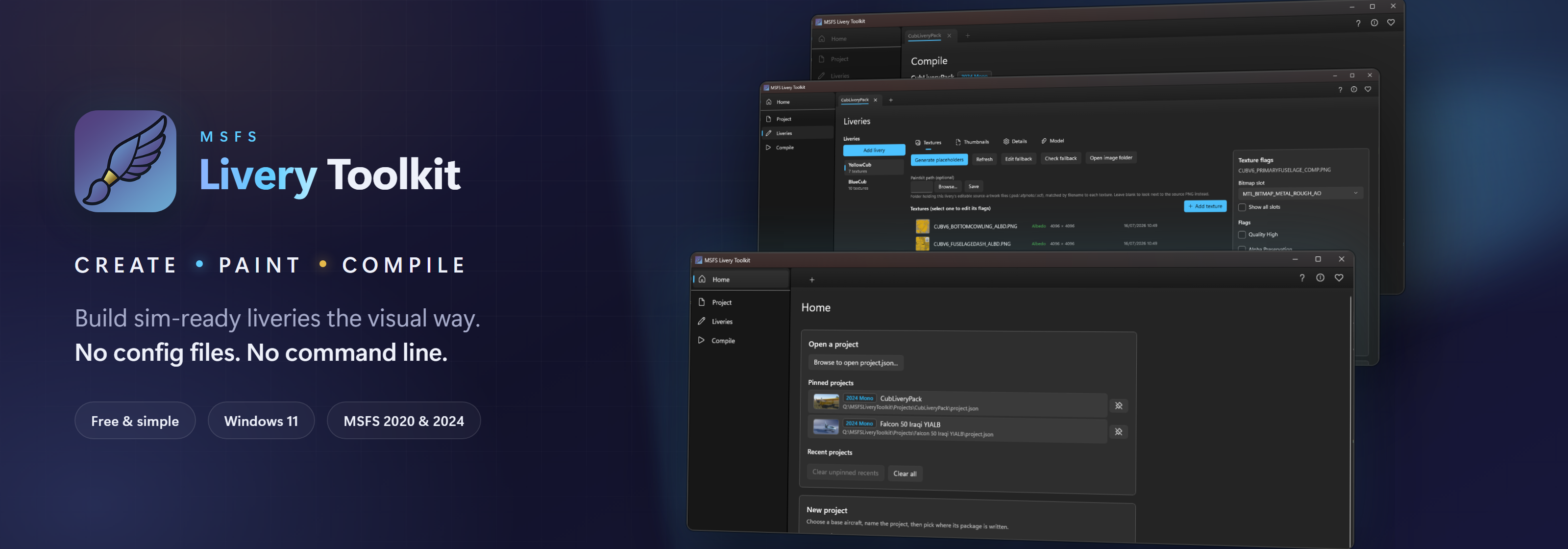
Create Microsoft Flight Simulator liveries - create, paint, and compile sim-ready assets from one free Windows app.
Download the latest release View on GitHub


The toolkit is free and always will be. I design it, test every change in the simulator and decide what gets built. An AI subscription helps me write the code, and I pay for it myself, £18 every month. If it saves you time, a coffee helps fund the development of new features.
☕ Buy me a coffeeKey features
Explore the docs
What it does
The toolkit takes you through the whole livery pipeline:
- Create: pick an installed base aircraft, and the app detects its profile (2020 monolithic, 2024 monolithic, or 2024 modular) and builds out a correct, sim-ready livery package structure.
- Work: choose which of the aircraft’s textures to repaint, generate correctly-sized blank canvases or extract the aircraft’s own compiled textures back to editable PNGs, and edit each texture’s compile flags. Paint the textures in the toolkit itself, or in your own program. The aircraft sits in 3D beside your project, showing your artwork as you paint, so you can catch a misplaced decal without compiling first. Add your own 3D model if you want geometry as well as paint. When the paint is done, the app renders your livery’s thumbnail images for you, so the sim’s own capture tool is one less thing to learn.
- Compile: turn your PNG artwork into sim-ready DDS/KTX2 using the official MSFS SDK, build a full package ready to use in your community folder, then regenerate
layout.jsonand launch the sim to test.
A project is a single deployable package that can hold one or many liveries sharing the same base aircraft.
Requirements
- Windows 11 (64-bit)
- Microsoft Flight Simulator 2020 and/or 2024
- The matching MSFS SDK (installed through the sim’s Dev Mode)
(MSFSLayoutGenerator, which the app also needs, is now bundled - nothing to download.)
How it was built
- Hobbyist Built: I am a livery painter, not a professional software developer. This toolkit was built to automate the tedious backend chores of package layout so we can all spend more time creating.
- AI-Assisted Architecture: Because I lacked the coding experience to build a full Windows application from scratch, I used a personally funded Claude Pro subscription to bridge the gap.
- Human-Driven Logic: This is not unthinking “AI slop.” Every workflow step, simulator profile rule, and configuration logic choice was explicitly designed by me based on real flight-sim SDK behavior and manually verified at every milestone. Countless man-hours have gone into this project, even with Claude writing the code.
- Always Free: Leveraging these modern tools made it possible to build a polished desktop utility in my spare time and release it completely free to the flight simulation community. I will never monetize this app (besides entirely optional donations) or lock functionality behind a paid-for tier.
Support the project
I’ve funded this project out of my own pocket with a Claude Pro subscription. I will never monetize this application or offer a premium tier - I’m developing it as a perpetually free tool for the livery painting community. However, to keep enhancing and developing it, I would be grateful for any donations via my Buy Me a Coffee page.